Published on: 2022-08-17
FAS Setup
Estimated time to read: 2 minutes
Deprecated Content
This content relates to the Citrix Xenapp Essentials product, which has been discontinued
- Run the installer and complete it
-
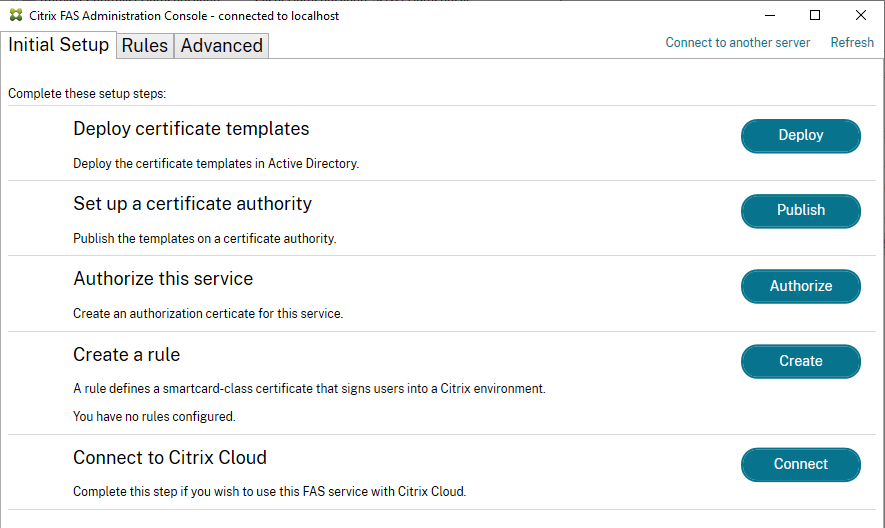
Load the Administration Console
-
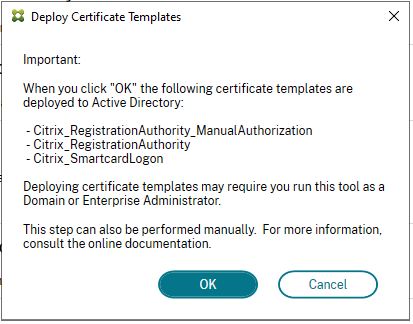
Click on the Deploy certificate templates item. You will see a prompt about the certificates that will be installed. Click OK. The status should update with a green tick if successful
-
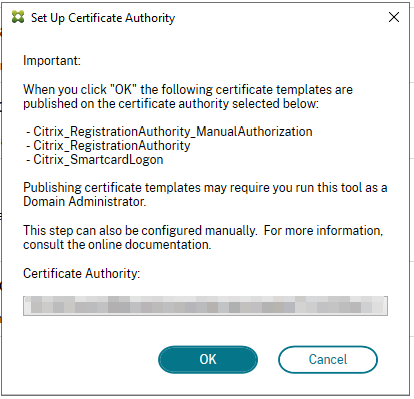
Click on the Publish button for the 2nd item. A prompt will appear again with info about the cert templates and to select the Certificate Authority to publish to. Click OK to complete the deployment.
-
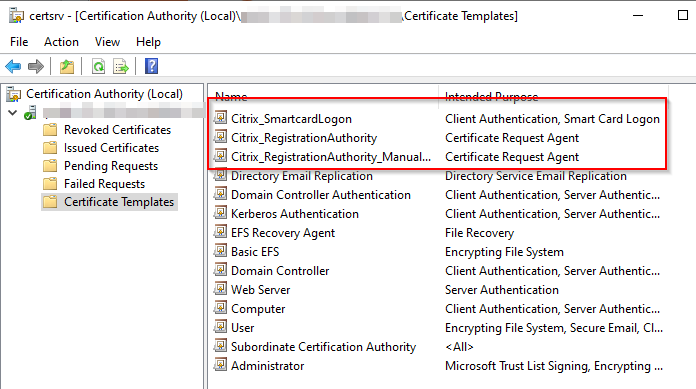
If you manage the certificate authority, the cert templates should appear as available when this step is completed
-
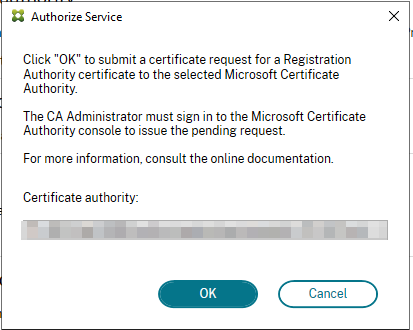
Click on the Authorise button. A confirmation window will appear, select the CA and click OK. The step will sit in a pending state (spinning waiting icon).
-
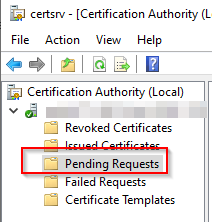
Go to your CA MMC and navigate to Pending requests
-
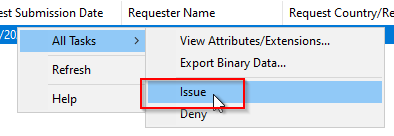
There should be a pending request from the FAS server. Right-click and select All Tasks > Issue
-
The Authorise set in the FAS setup should update with a positive result.
-
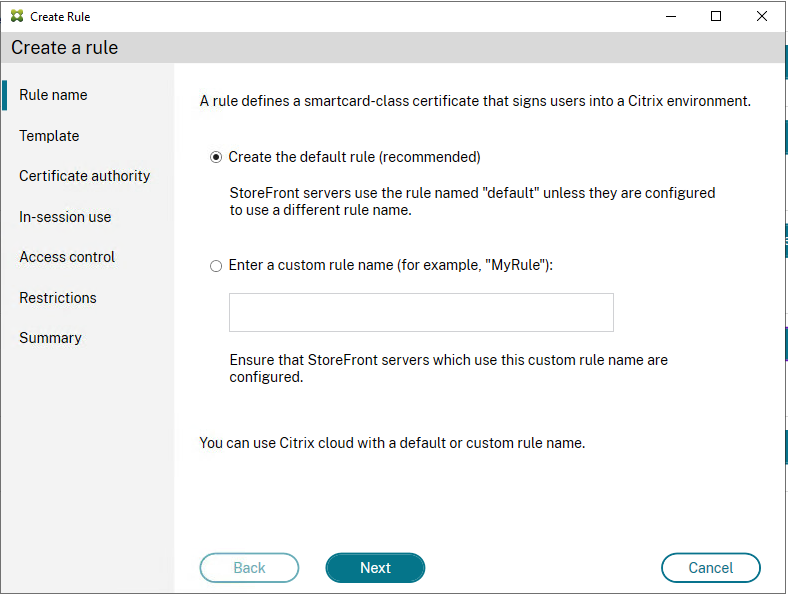
Click on the Create button for the Create a Rule task. This will start the Create a Rule wizard. For now, select the creation of a default rule.
-
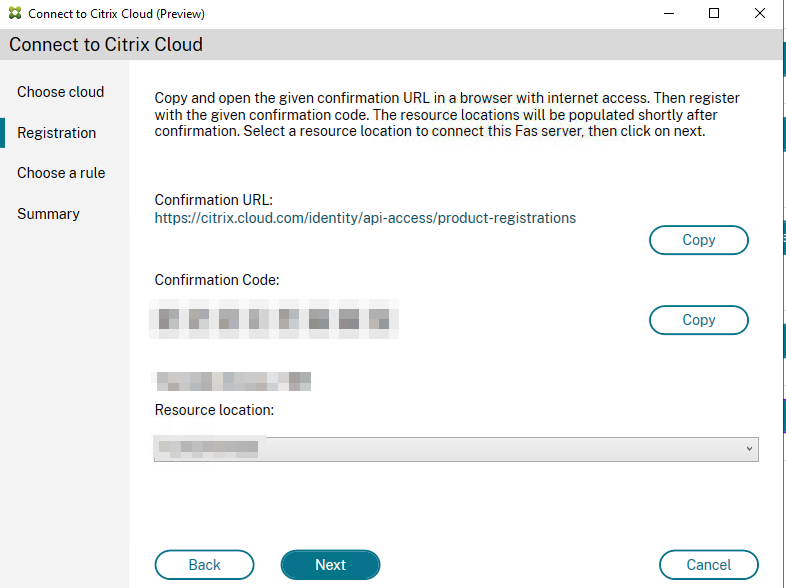
Once the wizard has been completed, click on the Connect button to connect to Citrix Cloud. The wizard will start.
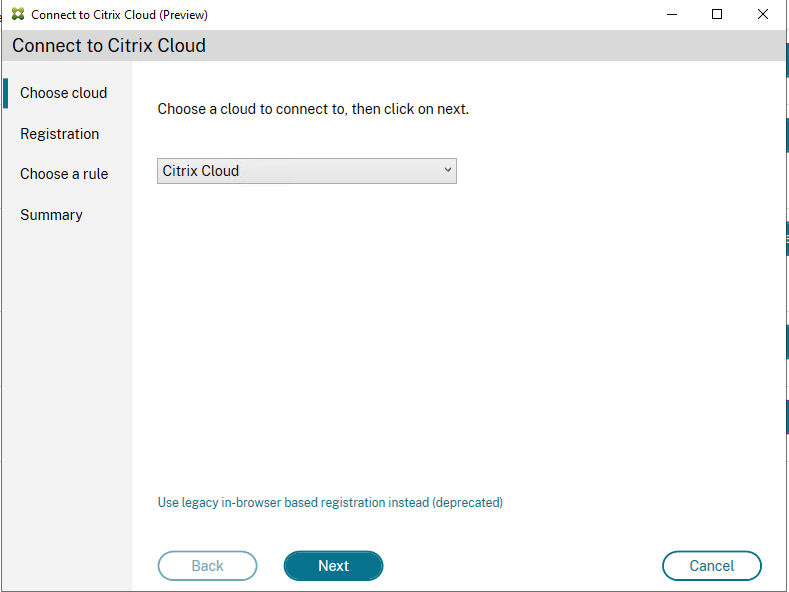
-
As per the instructions, copy the Confirmation URL into a browser with internet access and the code.
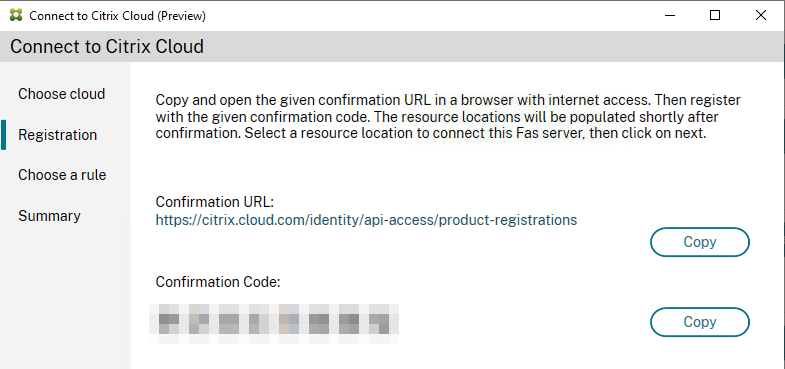
-
In the browser, click on Register button
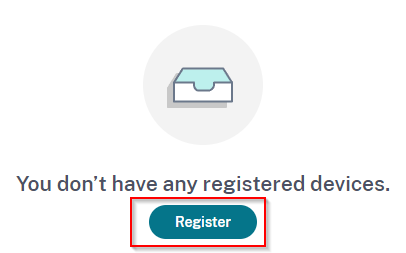
-
Enter the confirmation code
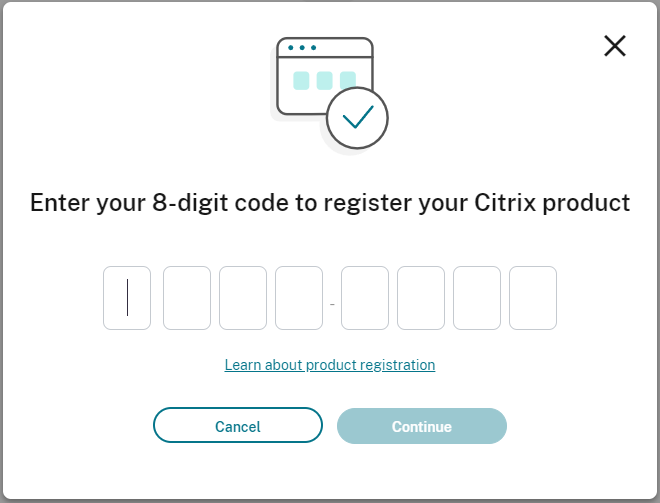
-
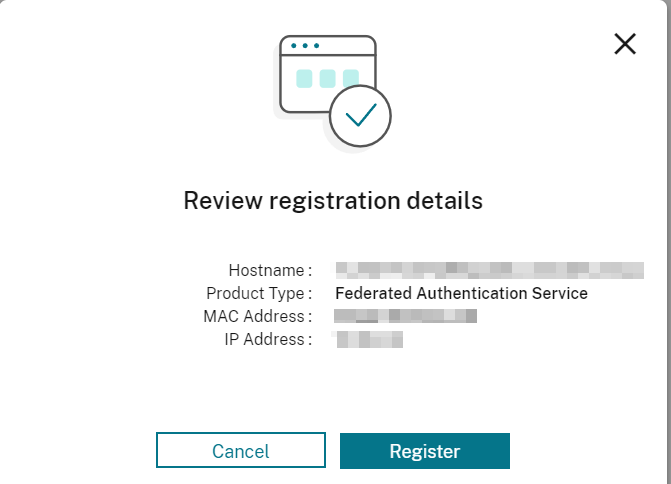
A confirmation screen will appear with details of the registration. Review and click Register
-
Once the registration is completed on the Citrix Cloud side, the FAS wizard should update with the resource location to select.
-
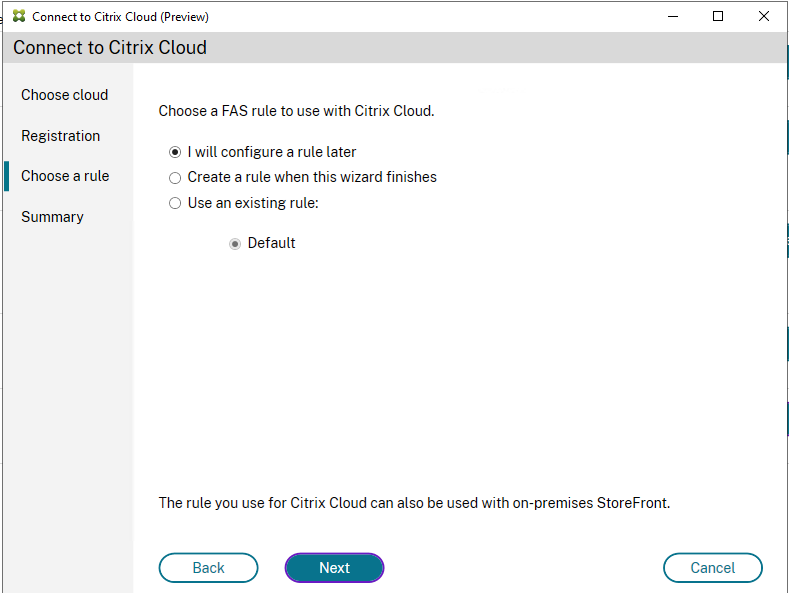
In the Choose a rule prompt, select the appropriate option (most likely use an existing rule since we created the default one)
-
Review the summary screen and click Finish
- Setup a GPO that sets the FAS Server for appropriate targets as per Install and configure | Federated Authentication Service (citrix.com)